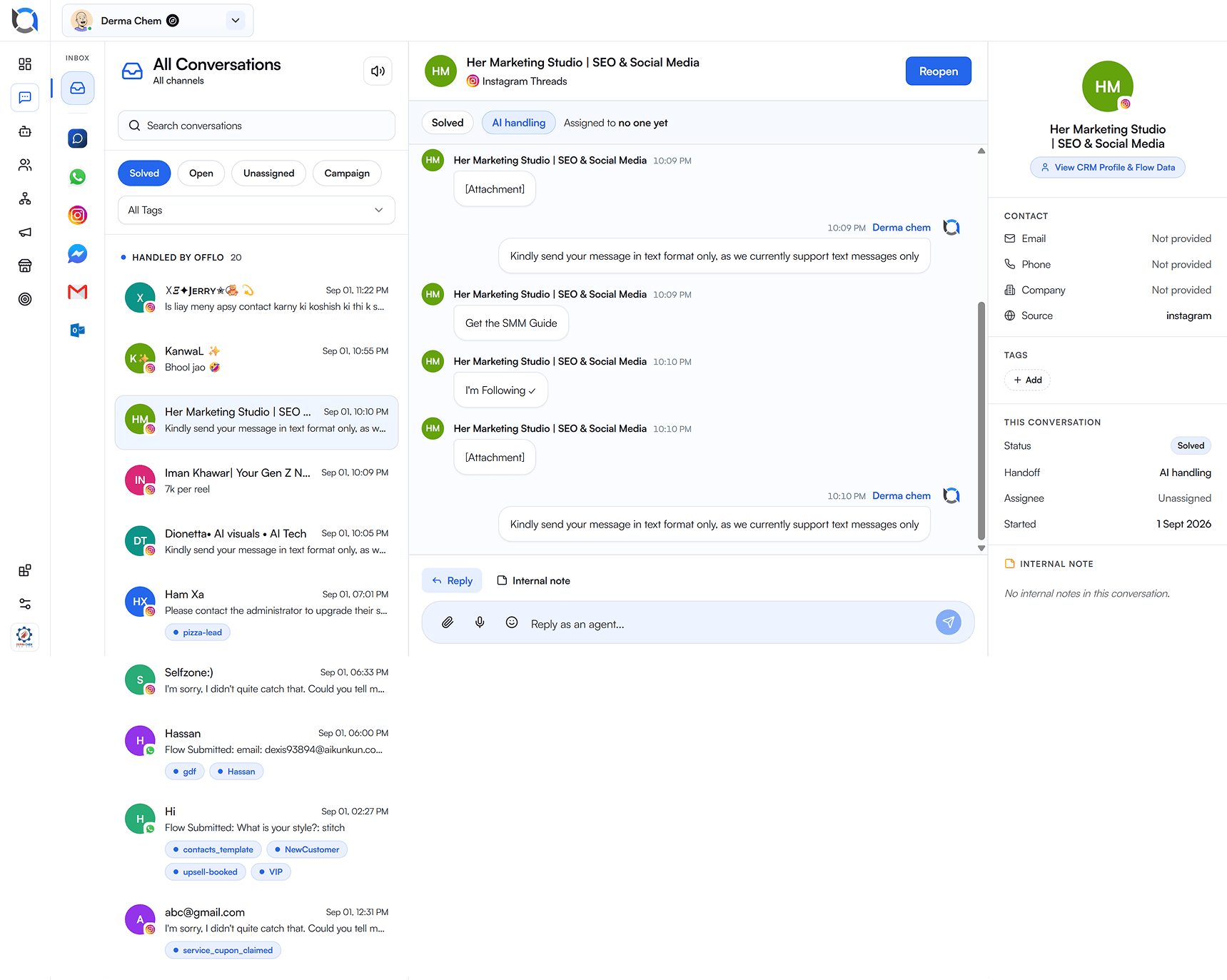
app.offlo.ai / inbox
01.
The same twelve answers
Your team retypes shipping, pricing and order-status replies all day — human attention spent on work that never needed it.
Customer service automation means the repeat work in your queue runs without a person touching it order updates, cart recovery, booking reminders, lead qualification. Offlo turns these repeat tasks into automated workflows, so your business runs customer support automation across every channel without adding headcount.
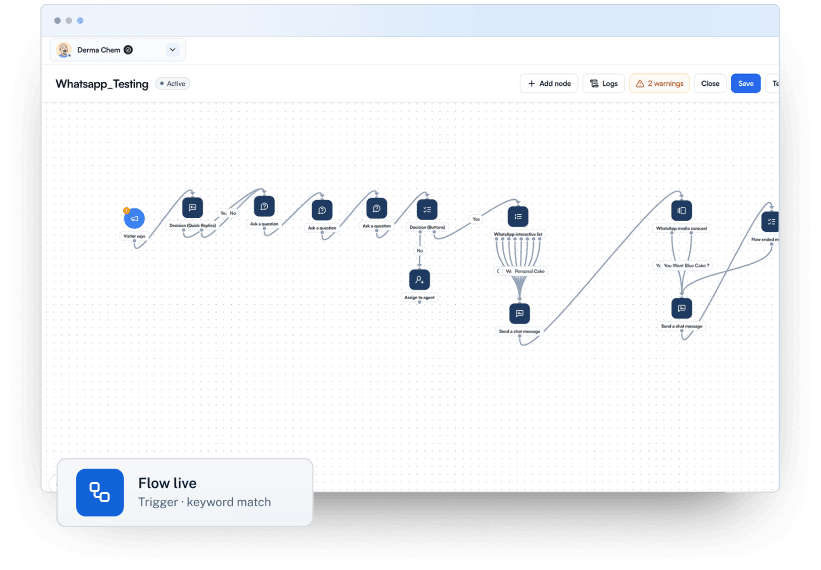
Automation your team can build and read, so the business keeps running while they focus on other work.
 Official WhatsApp Business API
 Meta
Meta Shopify
 Calendly
The automation problem
Automated customer service has a bad reputation for three reasons. All three are solvable.
Your team retypes shipping, pricing and order-status replies all day — human attention spent on work that never needed it.
A keyword bot fires on “cancel” whether they mean an order, a subscription or an appointment. One odd phrasing and it collapses into “sorry, I didn't understand.”
The flow that worked in March is wrong by June, and fixing it means a ticket, a sprint and a deployment. So nobody fixes it.
Visual flow canvas
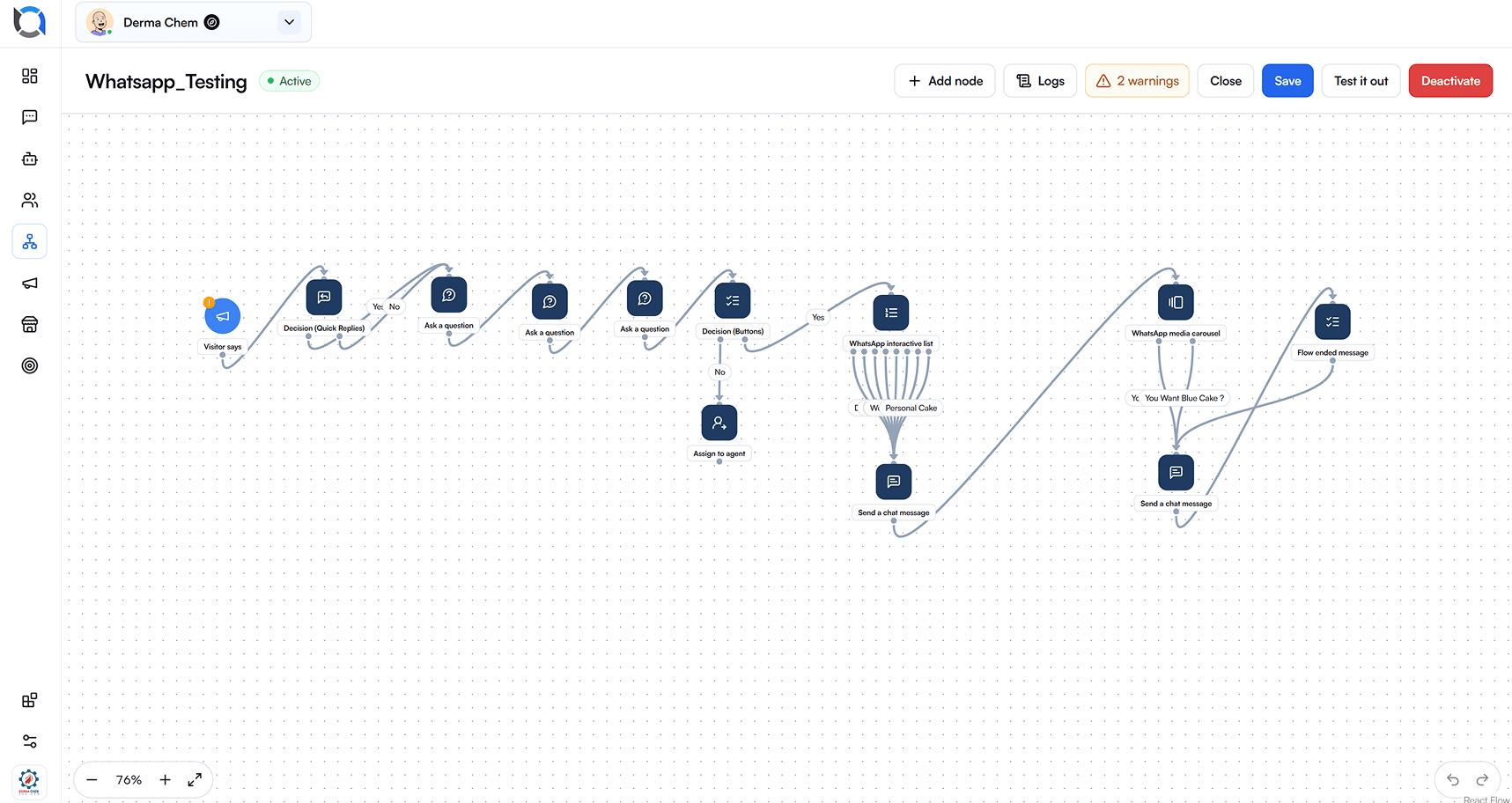
Drag a node, branch on what the customer answered, fire an action, assign a person, send a carousel. Chatbot automation without a single line of code, and without a prompt box you have to guess at.
01 / 04
Start from a blank canvas and branch on the reply, the tags, the order history or the segment.

02 / 04
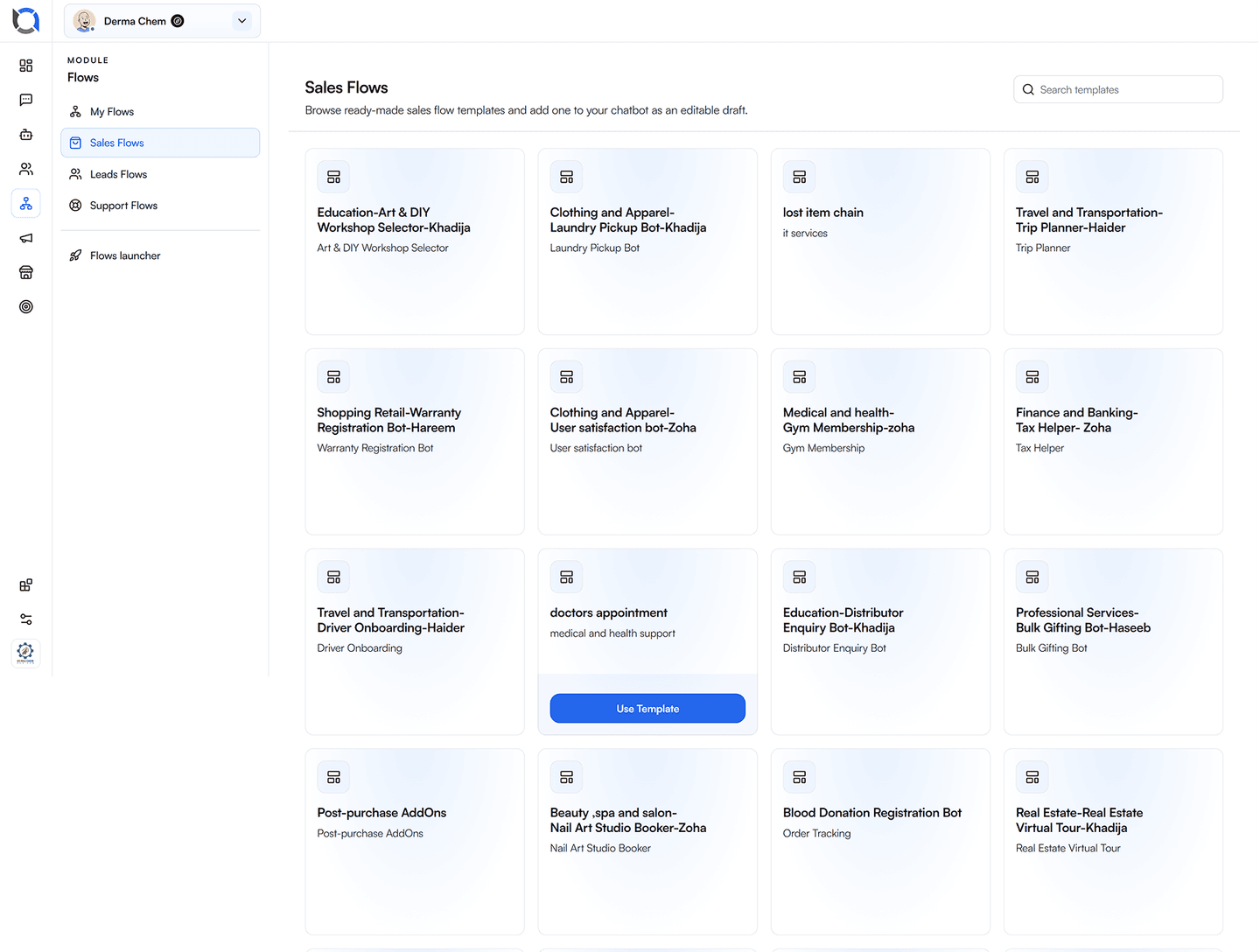
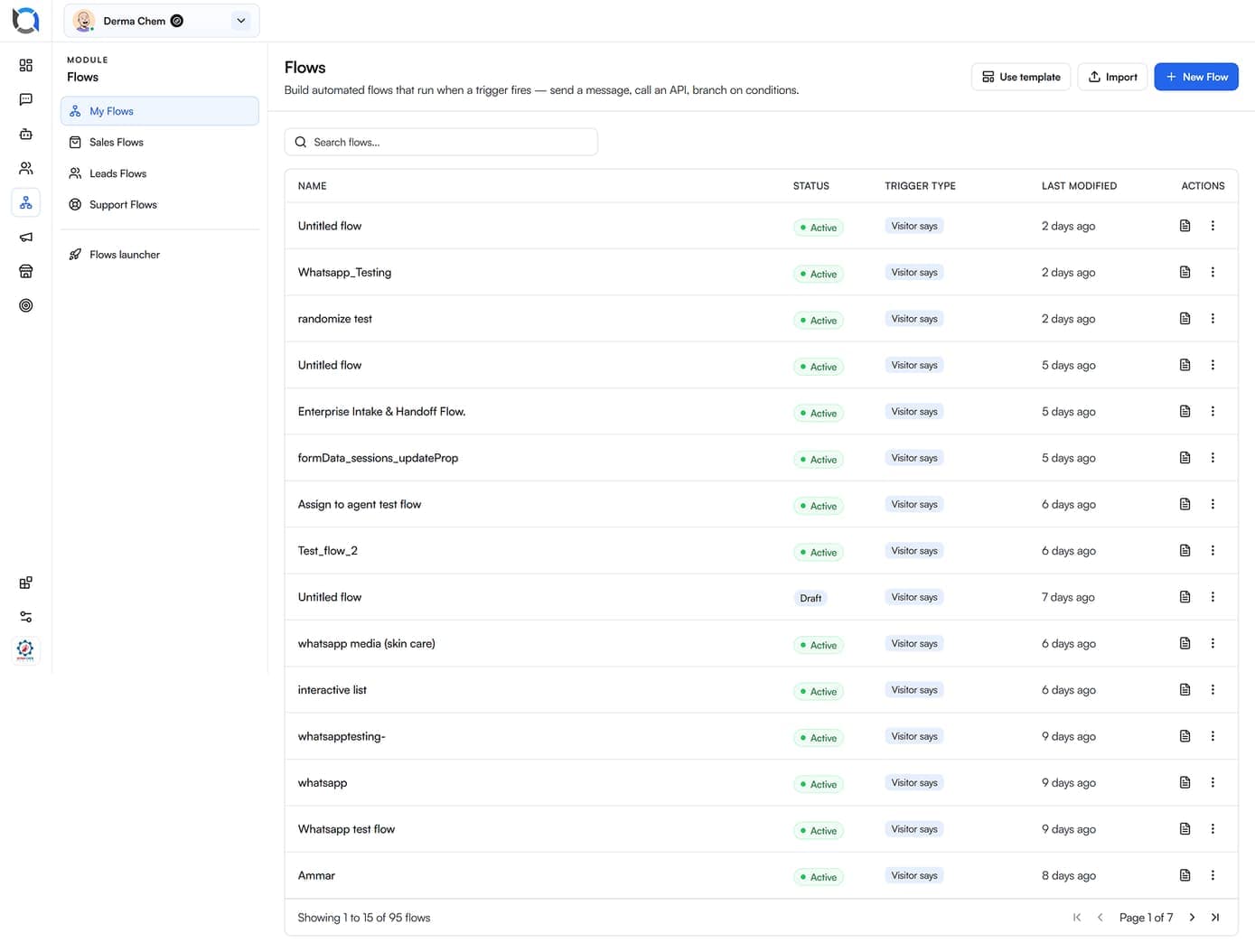
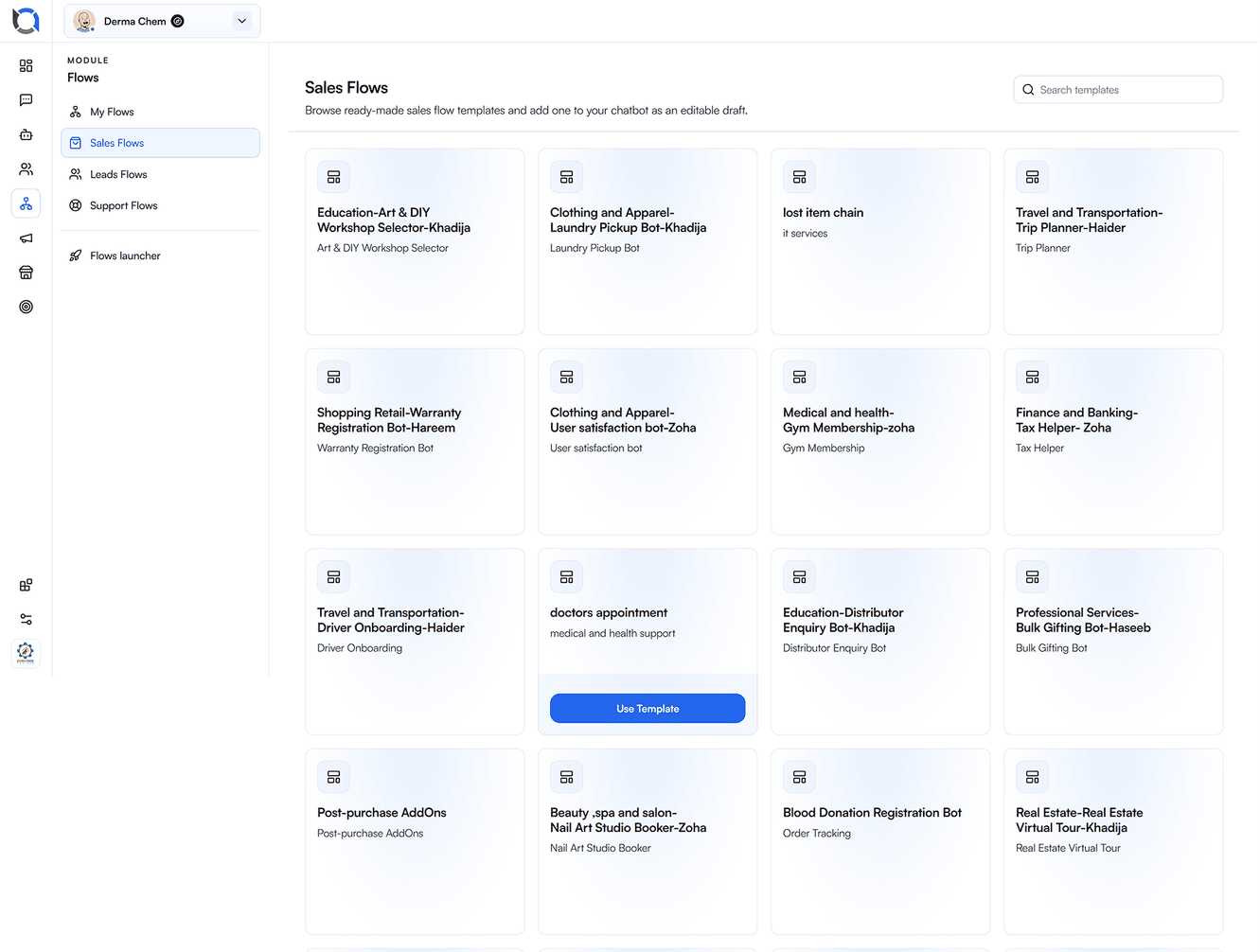
Open a working Sales, Leads or Support flow as an editable draft instead of starting cold.
03 / 04
Exact-match responses for pricing, policy and compliance-sensitive language — worded once, reused everywhere.
04 / 04
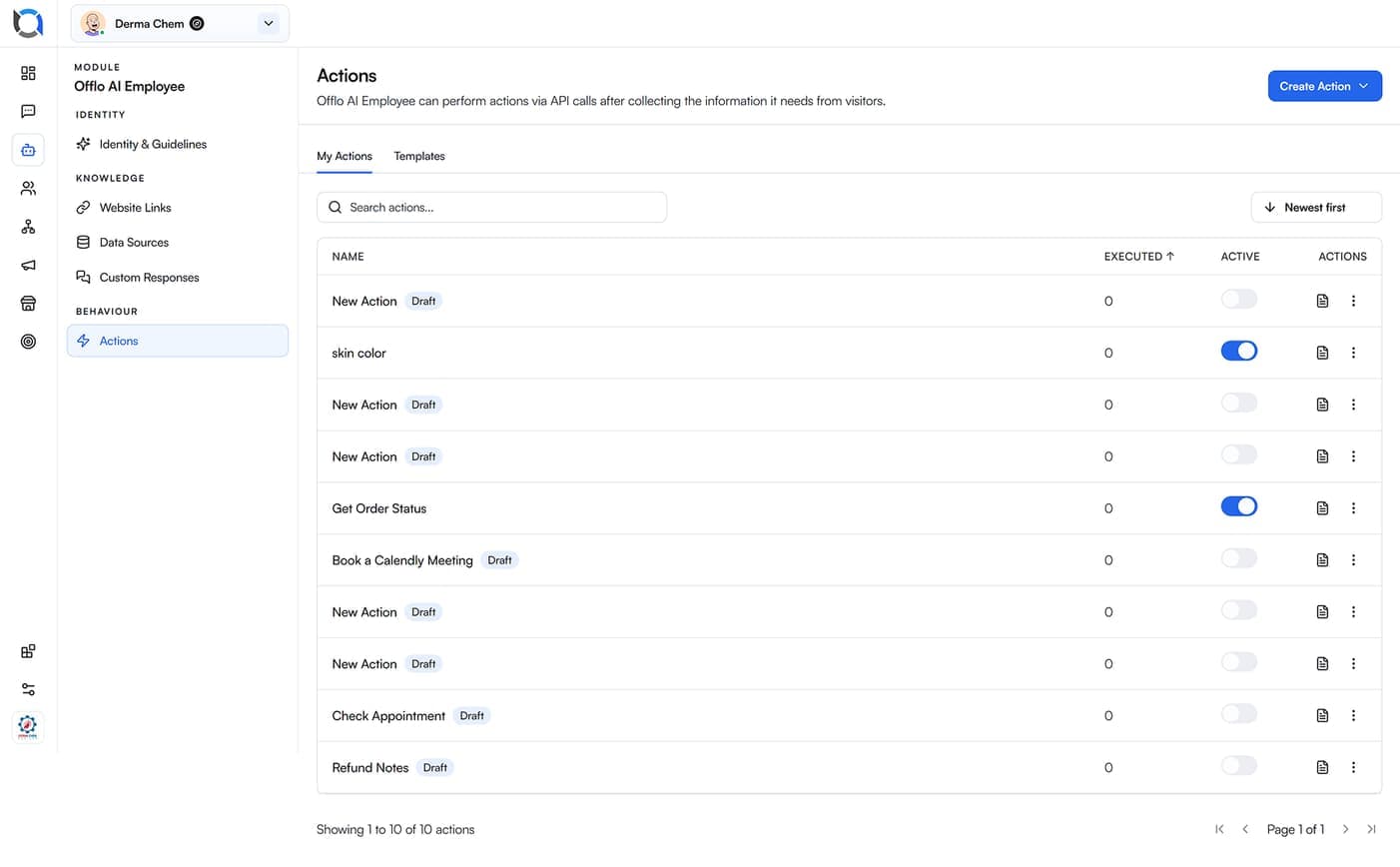
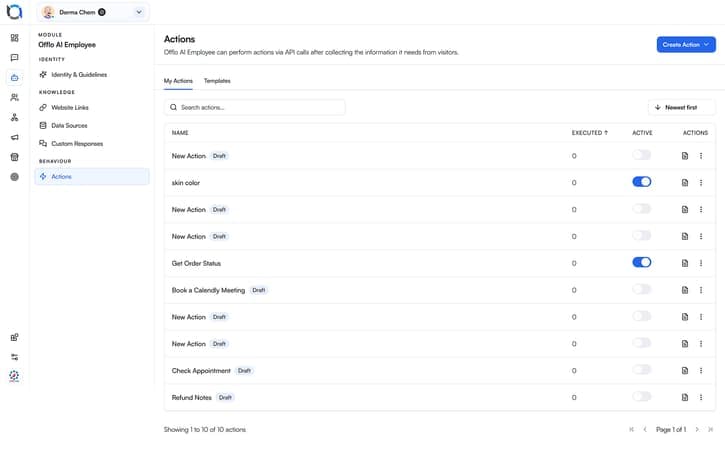
Run an order lookup, a booking or any HTTP endpoint at the exact step it's useful.
READY TO RUN
Open one, change the wording to sound like you, set the trigger, publish. Most teams have their first template live inside twenty minutes.


Catches the cart Shopify says was abandoned, waits the interval you choose, and opens a WhatsApp conversation rather than another ignored email. Follow-ups stop the moment they reply or buy.

Shipped, out for delivery, delayed or live tracking. The update goes out automatically with your AI agent.

Ask your qualifying questions, score the answer against your criteria, tag the contact and drop the good ones into a segment your campaigns can reach.

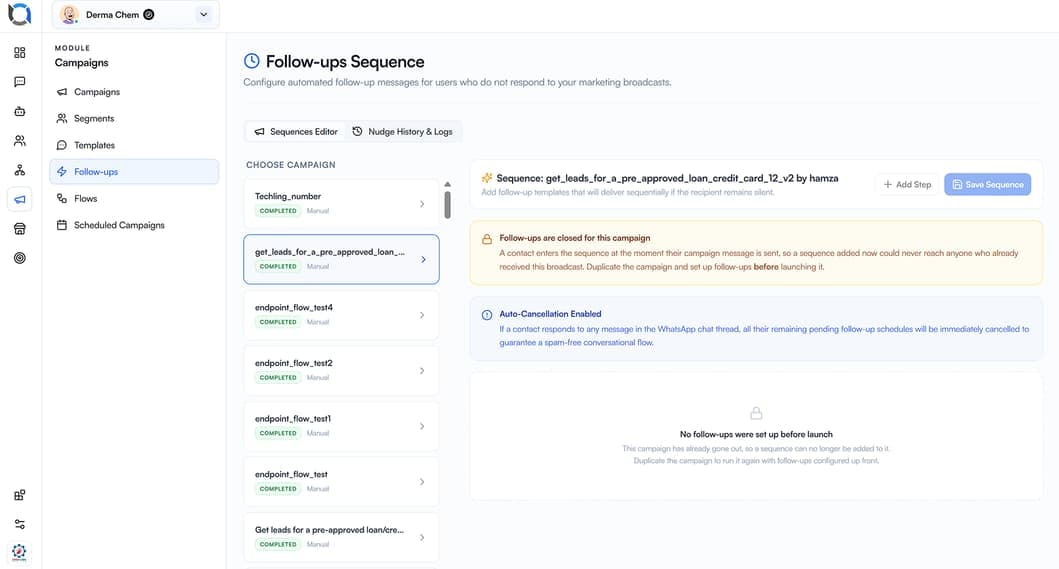
Nudge silent recipients on a schedule and cancel the moment they reply or buy.

Confirms the booking, reminds at the interval you set, and handles the reschedule inside the conversation.

Checks in after delivery, asks for the review, and catches the complaint before it becomes a public one.
Guide the people waiting on a sold-out size, with a WhatsApp business auto reply handling whatever they say next.
INSIDE THE CHAT
A WhatsApp automation tool that sends what WhatsApp can actually render. No links dumped into a message bubble, no “reply 1 for sales, 2 for support.”

Interactive lists
Up to ten options in a native picker, so nobody has to type a number.

Reply buttons
Three tappable choices that branch the flow instantly.

Media carousels
Products with images, prices and a buy button, swipeable in the thread.

Forms and Flows
Multi-field forms completed inside WhatsApp — no redirect, no drop-off.

Documents and location
Invoices, tickets, menus and map pins sent natively.
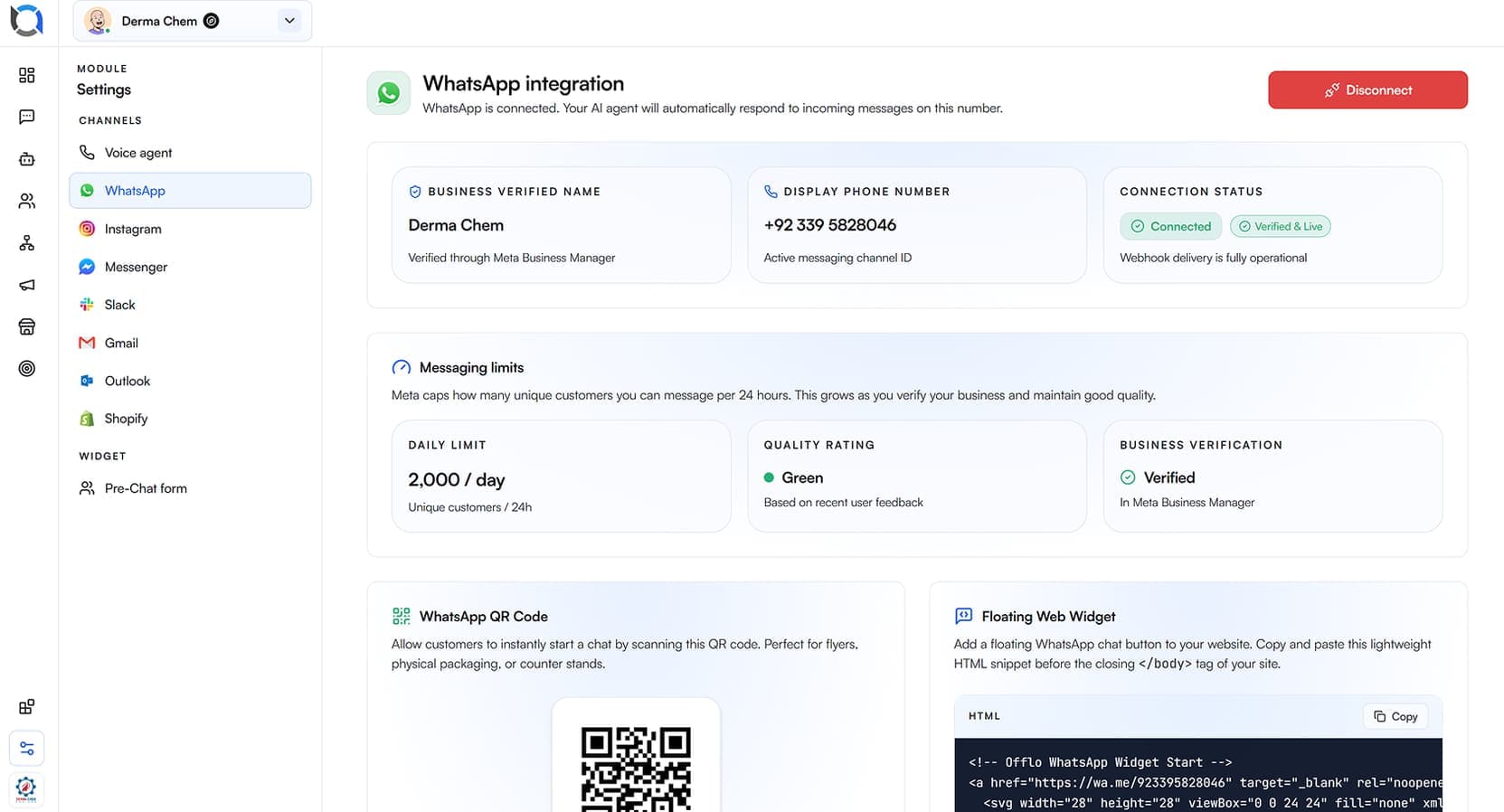
Action node ran
Order looked up and answered inside the same thread.
SETUP
No sprint, no deploy, no developer waiting on a ticket.

Open a template that matches something you do by hand, or start from an empty canvas.
 Blank canvas or named templateNo developer requiredLive in under twenty minutes
Change the wording to sound like you, adjust the branches, waiting periods and who gets assigned.
Rewrite any step in plain languageSet branches and wait windowsAssign to a person or a team
Choose what starts it — a Shopify event, a tag, a schedule, an inbound message, or your AI agent.
Fire on event, tag or scheduleOr fire on detected intentRules and AI in the same flow
Run it against test conversations, switch it on, then watch real transcripts and adjust.
 Test in a private sandboxPause any flow instantlyReview runs and drop-off
Template gallery
Qualify quantity, timeline and delivery before a person joins.
Collect plan, address and start date in one conversation.
Book a slot, confirm the address and send a reminder.
Guide the buyer through occasion, budget and metal with a carousel.
Classify the issue, run a lookup, and escalate only what needs a human.
Use cases
Each one removes a repeating queue of work rather than adding another tool to check.
An online store sends abandoned cart reminders by email and gets a 2% open rate. The same message on WhatsApp gets opened because WhatsApp gets opened. The flow waits an hour, sends the cart as a carousel with a buy button, and stops the moment they reply — at which point the AI agent takes over the conversation.
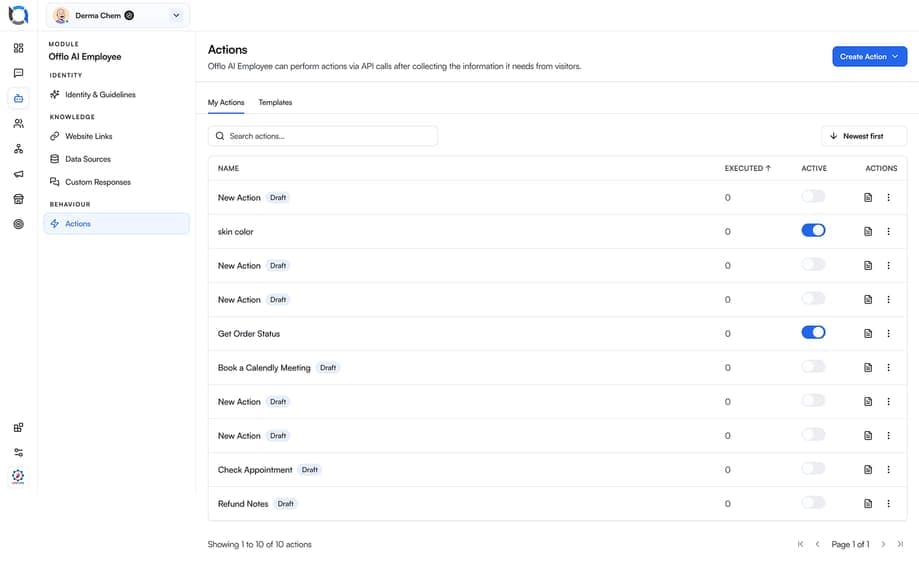
An action node looks the order up and replies immediately, so nothing waits for business hours — and only genuinely stuck parcels create work.
Collect budget, timeline and intent in-conversation, save it to the contact, then assign the ones worth a call.
Proof / results
Every flow has an exit. When a customer says something the flow wasn't built for, it hands it over rather than looping — and the person who picks it up gets the whole thread, including everything the flow already asked for. Ticket deflection and hours returned depend on your volume; these are the capabilities behind them.
ways to build: canvas or template
native WhatsApp node types
nudges sent after a reply arrives
flows built and edited visually
Outcome figures and quote are illustrative placeholders pending verified production data.
FAQ
SCHEDULE A 30-MINUTE INTRO CALL
 Muhammad AkifCEO
For companies looking to
Start with the content and channels you already have. Then layer in automation where it measurably improves speed, consistency and how much each conversation is worth.
Schedule your callA practical walkthrough of how Offlo reduces repetitive work, improves response speed and fits your current support workflow.

“60% less emails. 50% less workload. Offlo just replaced half my support team.”
Fahad Dhamrah
Founder @ Chex AI
ONE FLOW TO START
Build one flow, watch it run, then let templates and actions cover the rest of the operation. If it doesn't earn its place in a fortnight, pause it and nothing is lost.